

01
Runtime schedules
Create a future job when a user signs up, an invoice fails, or another product event occurs.
Next.js delayed jobs
Vercel Cron is a good fit for fixed recurring work. It is a different problem when every user creates a job at runtime, such as sending an HTTP request exactly 24 hours after signup.
const runAt = new Date(
  Date.now() + 24 * 60 * 60 * 1000
).toISOString();

const response = await fetch(
  'https://webhookscheduler.com/api/v1/schedule',
  {
    method: 'POST',
    headers: {
      'Content-Type': 'application/json',
      Authorization: 'Bearer ' + process.env.WEBHOOK_SCHEDULER_API_KEY!
    },
    body: JSON.stringify({
      url: 'https://your-app.com/api/jobs/onboarding',
      method: 'POST',
      runAt,
      body: {
        event: 'onboarding.follow_up',
        userId: 'user_123'
      },
      idempotencyKey: 'user_123:onboarding_follow_up'
    })
  }
);

if (!response.ok) {
  throw new Error('Could not schedule delayed job');
}Create a future job when a user signs up, an invoice fails, or another product event occurs.
Keep retry attempts, backoff, status codes, and response details outside your Next.js request lifecycle.
Inspect, cancel, and manually retry jobs from a dashboard instead of querying a queue or database table.
Vercel Cron calls a route on a schedule defined in your deployment configuration. It works well for tasks such as a nightly report, a cache refresh, or a cleanup job that runs at the same time for everyone.
A delayed product job is created while the application is running. One customer may need a callback tomorrow at 09:12, another next week, and another may cancel before delivery. A single cron expression does not represent those individual schedules.
The official Vercel Cron documentation is the right starting point for fixed recurring tasks. For per-user jobs, schedule each future HTTP delivery directly.
Keep the scheduling API key in a server environment variable. Call the API from a Route Handler, API route, Server Action, or another trusted backend function after the product event succeeds.
const runAt = new Date(
  Date.now() + 24 * 60 * 60 * 1000
).toISOString();

const response = await fetch(
  'https://webhookscheduler.com/api/v1/schedule',
  {
    method: 'POST',
    headers: {
      'Content-Type': 'application/json',
      Authorization: 'Bearer ' + process.env.WEBHOOK_SCHEDULER_API_KEY!
    },
    body: JSON.stringify({
      url: 'https://your-app.com/api/jobs/onboarding',
      method: 'POST',
      runAt,
      body: {
        event: 'onboarding.follow_up',
        userId: 'user_123'
      },
      idempotencyKey: 'user_123:onboarding_follow_up'
    })
  }
);

if (!response.ok) {
  throw new Error('Could not schedule delayed job');
}
Calculate the timestamp from the event rather than hard-coding a calendar date. Store the returned job ID with your own record if the workflow may need to be canceled later.
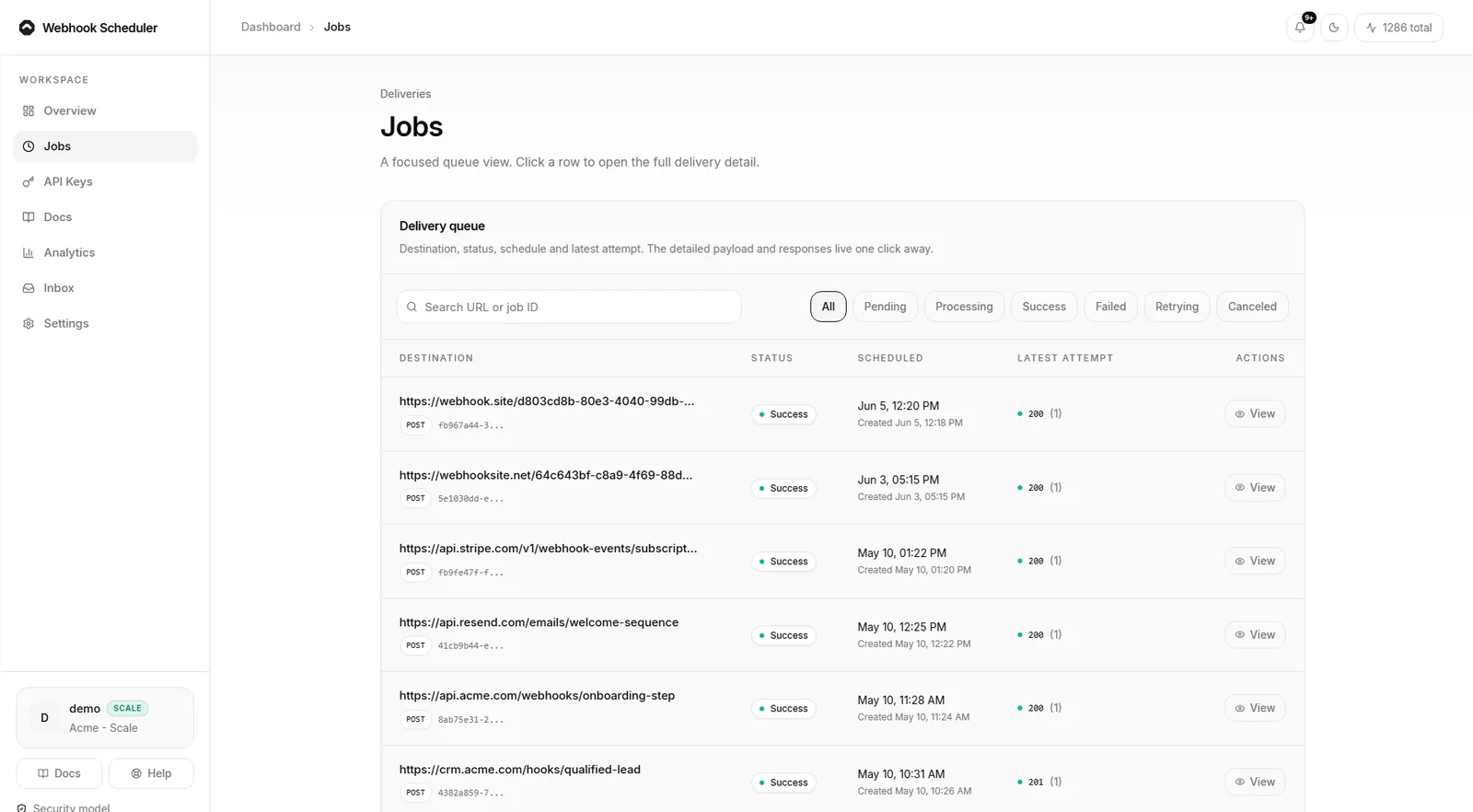
The target can be any public HTTPS endpoint, including a Next.js API route. Keep the receiver small: validate the request, claim an idempotency key, run the business action, and return a clear status code.
import { NextRequest } from 'next/server';

export async function POST(request: NextRequest) {
  const body = await request.json();

  // Claim the idempotency key before running side effects.
  await sendOnboardingFollowUp(body.userId);

  return Response.json({ received: true });
}
Authenticate the callback with a secret header or a signature that your route verifies. Never expose the Webhook Scheduler API key in browser code.
A receiver can finish its work and then time out before the sender sees the response. The next retry is correct from the sender's perspective, but it can repeat the side effect if the receiver is not idempotent.
Use a stable business key, such as the user ID plus the workflow name, and claim it atomically before sending an email, charging a card, or updating an external system. The webhook retry logic guide covers the failure cases in more detail.
Delayed jobs often become invalid. A user may delete an account, complete onboarding early, or pay an invoice before the follow-up runs. Save the scheduled job ID so the application can cancel it when the underlying state changes.
This is one reason a managed scheduled webhook is different from a periodic database scan. Each future action has its own status, attempt history, cancellation path, and delivery record.
Use Vercel Cron for fixed recurring maintenance. Use a queue when your team needs custom consumers and owns the operational infrastructure. Use a scheduled webhook when the output is an HTTP request that must run later with retries and visible delivery state.
You can compare the tradeoffs in cron jobs vs scheduled webhook APIs, use the focused Next.js on Vercel delayed jobs path, review the delivery security model, or create a real draft on the interactive scheduler.
Vercel Cron is designed around recurring schedules configured for a deployment. Per-user timestamps created at runtime need their own job storage and dispatch layer.
Yes. Schedule its public HTTPS URL as the target, keep the scheduling call server-side, and authenticate the callback at the receiving route.
Webhook Scheduler records the failed attempt and retries according to the plan recovery limit. The receiver should remain idempotent because a request can be delivered more than once.
Start with the free plan, test a real delivery, then upgrade when the workflow becomes production critical.
Try a live webhook